Computer Vision Made Easy!
Giving computer the ability to understand the real world.

A young aspiring Data Scientist, who love to build AI and ML applications, that can contribute as a solution in real world problems. I started my coding journey in grade 8, since then I have developed solutions to many organizations.
Computer vision fascinates me a lot, these days I am exploring the world of Computer Vision. While working I realised that we have to write hundreds of lines of code just for basic computer vision techniques like face detection, hand detection, pose classification etc. I explored opencv and mediapipe library which helped me gain a lot of insight into computer vision. I have developed some packages that might help the developer community to focus more on the implementation rather than on coding from scratch. Here are three packages that I developed recently.
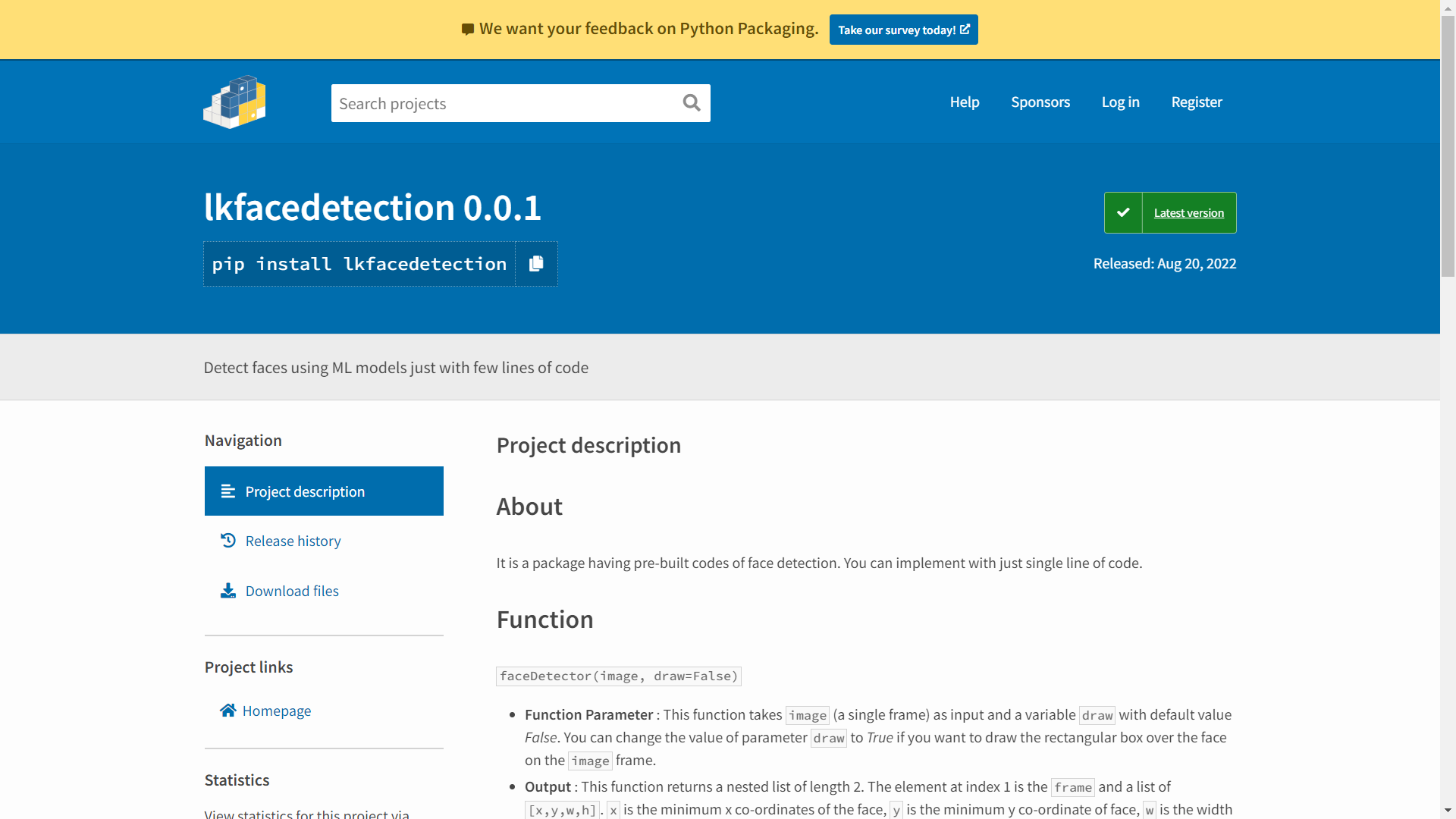
1. Face Detection
Function
faceDetector(image, draw=False)
- Function Parameter : This function takes
image(a single frame) as input and a variabledrawwith default value False. You can change the value of parameterdrawto True if you want to draw the rectangular box over the face on theimageframe. - Output : This function returns a nested list of length 2. The element at index 1 is the
frameand a list of[x,y,w,h].xis the minimum x co-ordinates of the face,yis the minimum y co-ordinate of face,wis the width andhis the height of the face. NOTE that theframewill have rectangular box over the face if value ofdrawis set to True in the function.
Usage
faceDetector(image, draw=False)
With detection over the face directly through function
from lkfacedetection import faceDetector
import cv2
cap = cv2.VideoCapture(0)
while True:
    success, image = cap.read()
    functionValues = faceDetector(image,draw=True) #draw over the frame from function
    frame = functionValues[0]
    cv2.imshow('Face', frame)
    cv2.waitKey(1)
cap.release()
With detection externally using the values from function
from lkfacedetection import faceDetector
import cv2
cap = cv2.VideoCapture(0)
while True:
    success, image = cap.read()
    functionValues = faceDetector(image) #doesn't draw over the frame
    frame = functionValues[0]
    x,y,w,h = functionValues[1]
    cv2.rectangle(frame, (x, y), (x + w, y + h), (255, 0, 0), 2) #Draws a rectangle over the face
    cv2.imshow('Face', frame)
    cv2.waitKey(1)
cap.release()
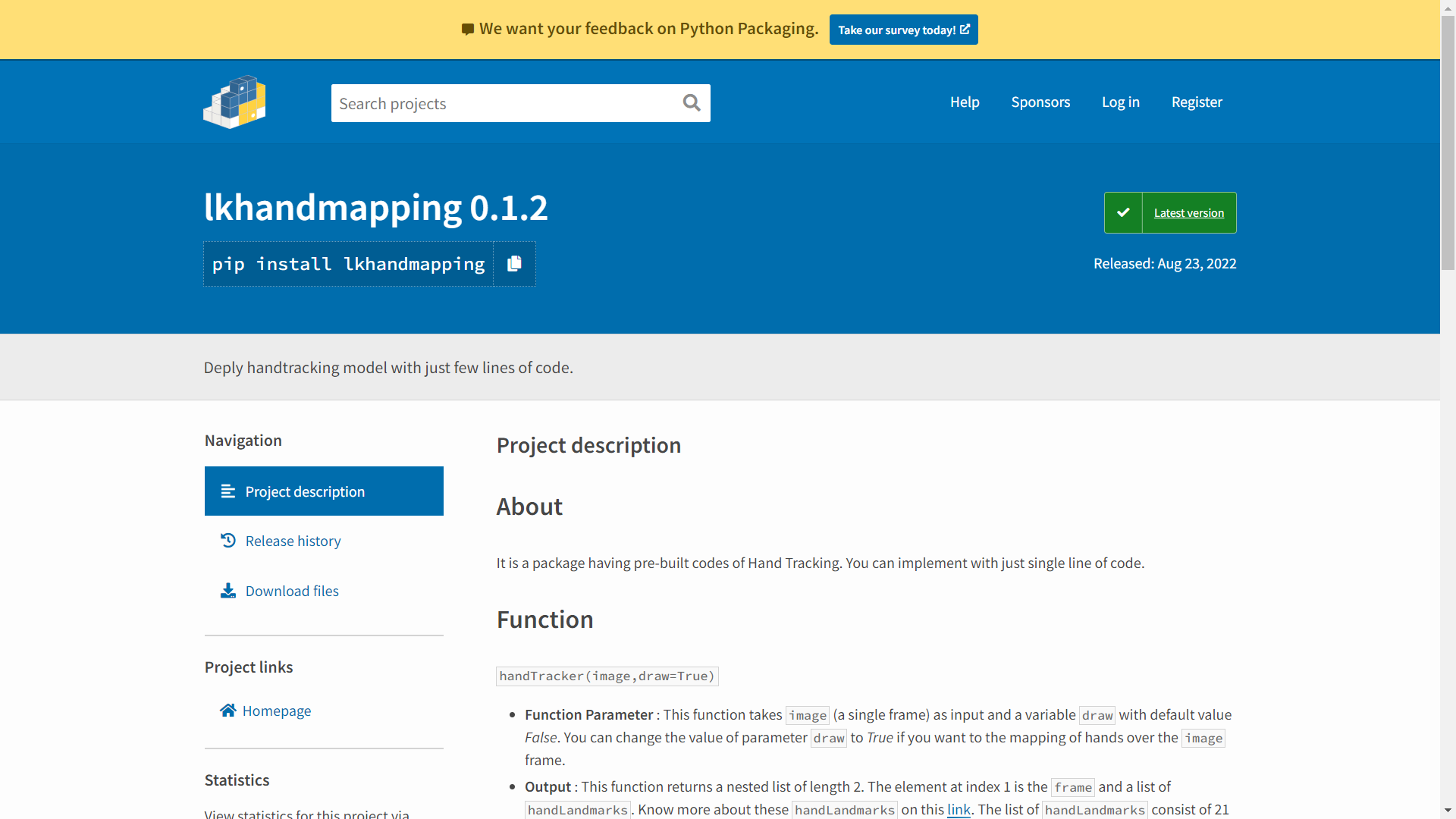
2. Hand Tracking Package
Function
handTracker(image,draw=True)
- Function Parameter : This function takes
image(a single frame) as input and a variabledrawwith default value False. You can change the value of parameterdrawto True if you want to the mapping of hands over theimageframe. - Output : This function returns a nested list of length 2. The element at index 1 is the
frameand a list ofhandLandmarks. Know more about thesehandLandmarkson this link. NOTE that the function will return [0] at index 1 in the list if no hands are detected.
Usage
handTracker(image,draw=False)
Mapping over the hands directly from function.
from lkhandtracking import handTracker
import cv2

cap = cv2.VideoCapture(0)
while True:
    success, image = cap.read()
    functionValues = handTracker(image,draw=True)
    image = functionValues[0]
    handLms = functionValues[1]
    print(handLms)
    cv2.imshow('Hands', image)
    cv2.waitKey(1)
cap.release()
Track hands without mapping.
from lkhandtracking import handTracker
import cv2

cap = cv2.VideoCapture(0)
while True:
    success, image = cap.read()
    functionValues = handTracker(image,draw=False)
    image = functionValues[0]
    handLms = functionValues[1]
    print(handLms)
    cv2.imshow('Hands', image)
    cv2.waitKey(1)
cap.release()
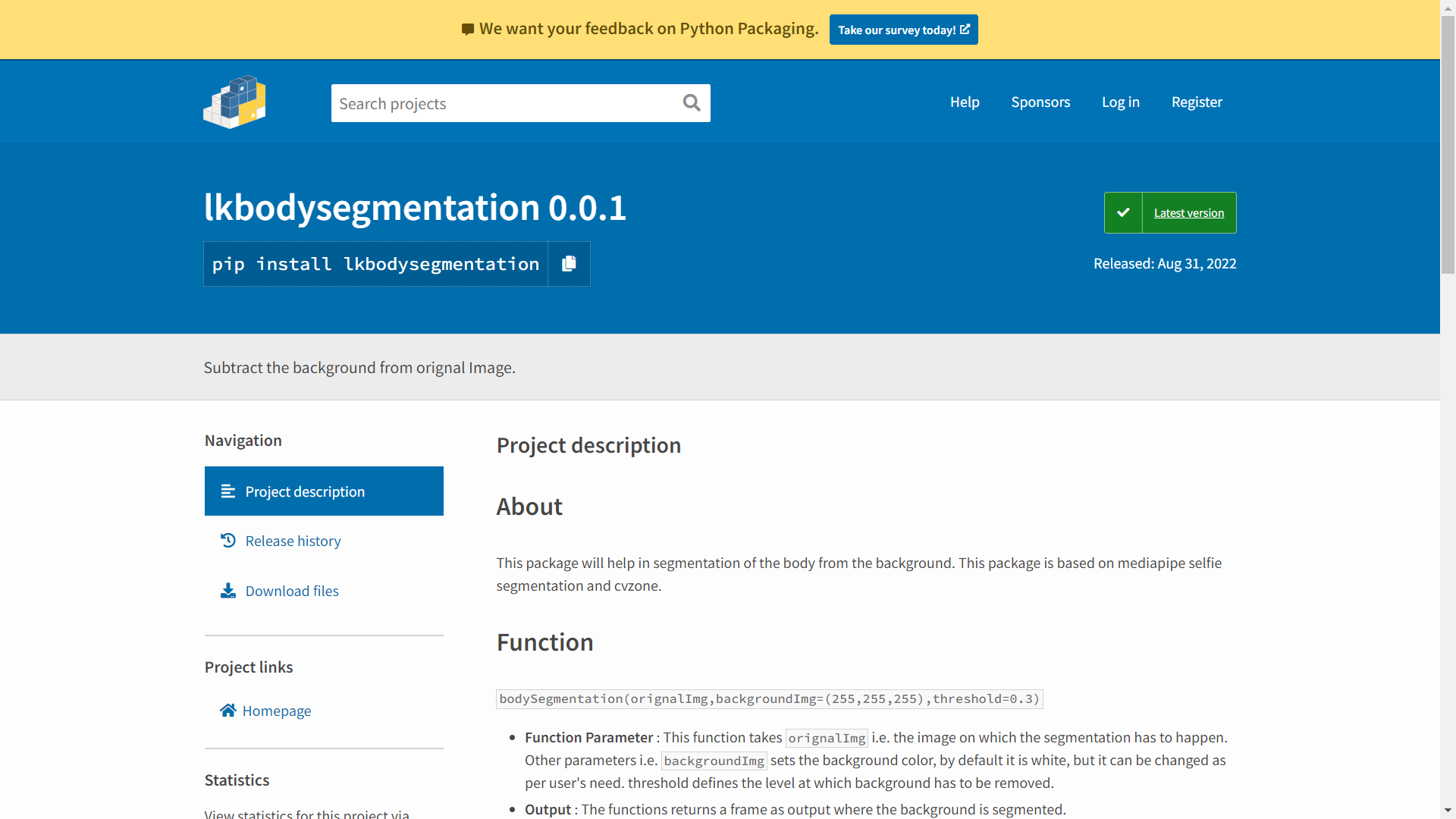
3. Body Segmentation
Function
bodySegmentation(orignalImg,backgroundImg=(255,255,255),threshold=0.3)
- Function Parameter : This function takes
orignalImgi.e. the image on which the segmentation has to happen. Other parameters i.e.backgroundImgsets the background color, by default it is white, but it can be changed as per user's need. threshold defines the level at which background has to be removed. - Output : The functions returns a frame as output where the background is segmented.
Usage
bodySegmentation(img)
Default Segmentation (White Background)
from lkbodysegmentation import bodySegmentation
import cv2

cap = cv2.VideoCapture(0)


while True:
    success, img = cap.read()
    img = bodySegmentation(img)
    cv2.imshow('Image',img)
    cv2.waitKey(1)
bodySegmentation(img, backgroundColor, threshold)
Customized Segmentation
from lkbodysegmentation import bodySegmentation
import cv2

cap = cv2.VideoCapture(0)


while True:
    success, img = cap.read()
    backgroundColor = (255,0,255) #You can replace with an image too
    threshold = 0.45 #Level of background to be erased
    img = bodySegmentation(img,backgroundColor,threshold)
    cv2.imshow('Image',img)
    cv2.waitKey(1)
Developer
This package is developed by Lakshay Kumar an enthusiastic AI Researcher. This is developed keeping in mind the pain to write lengthy lines of code just to detect faces. This will enable other developers to focus more on implementation part rather than spending time on coding the face detection module.
Feel free to share your feedback via mail